Our exclusive Linode coupon code gets you $100 in FREE credits on Linode’s cloud hosting (Akamai Cloud Computing Services) plans. Just follow our instructions below to redeem the Linode coupon code and get the maximum discount on Linode cloud hosting.
Editor’s Note: Get $100 in FREE credits on Linode Cloud Hosting when you visit their site using our exclusive Linode coupon link. No coupon code needed. 🎉
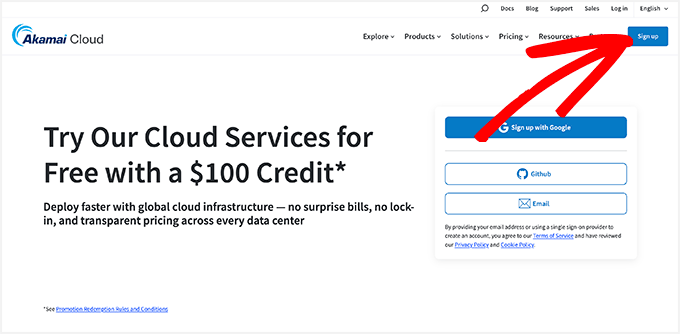
First, you need to click on this Linode discount link to get started. When the Linode cloud hosting site opens, you will notice a message: “Try Our Cloud Services for Free with a $100 Credit.”
From here, you just need to click on the ‘Sign Up’ button in the top right corner.
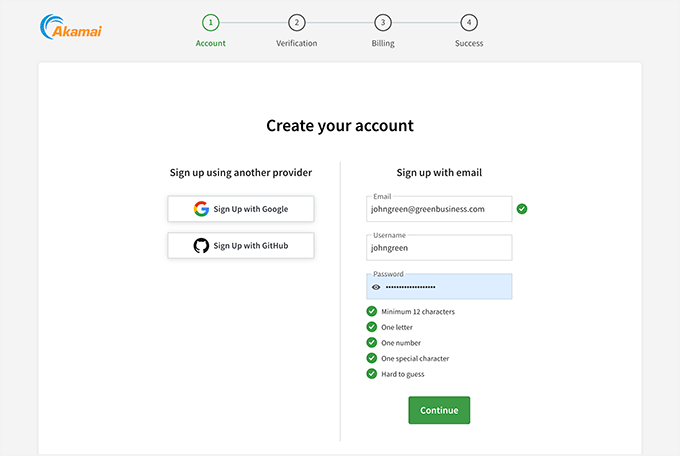
This will take you to the Linode signup page. To create a new account, please enter your email address, a new and unique username, and a password.
You can also create an account on Linode using your Google or GitHub accounts.
Click on the ‘Continue’ button.
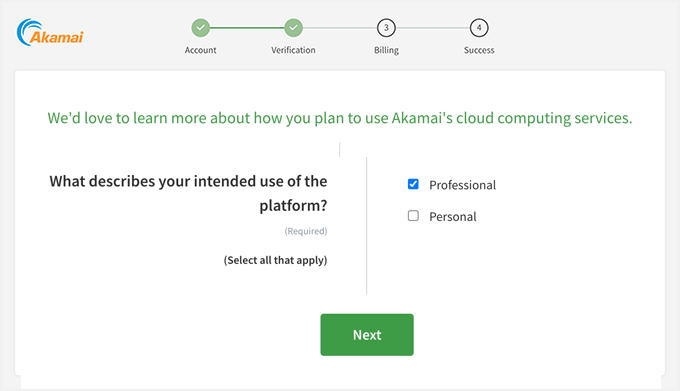
Now you’ll have to do a verification step and also answer a couple of questions about your plan to use the Akamai Cloud Services.
Keep selecting the best options that apply and click on the ‘Next’ button.
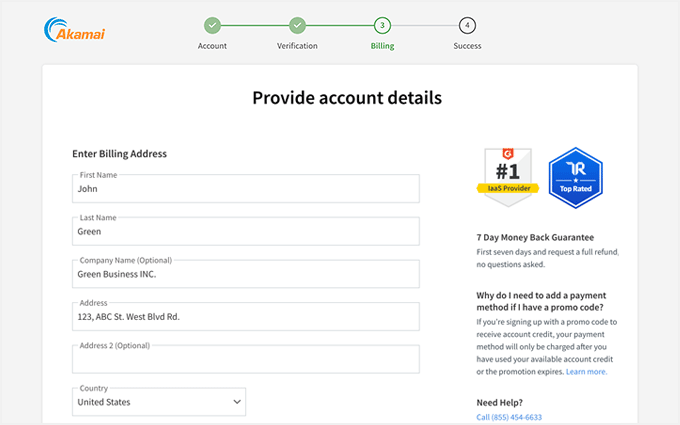
Once that’s done, you’ll see the billing page.
On this page, you’ll need to enter your first name, last name, company name, address, and other personal details.
Next, you should scroll down to choose a payment method and enter your credit card details.
🟢 REMINDER: Since you used our Linode coupon link, you will not be charged today. The credit card will be charged when your $100 of FREE Linode credits expires.
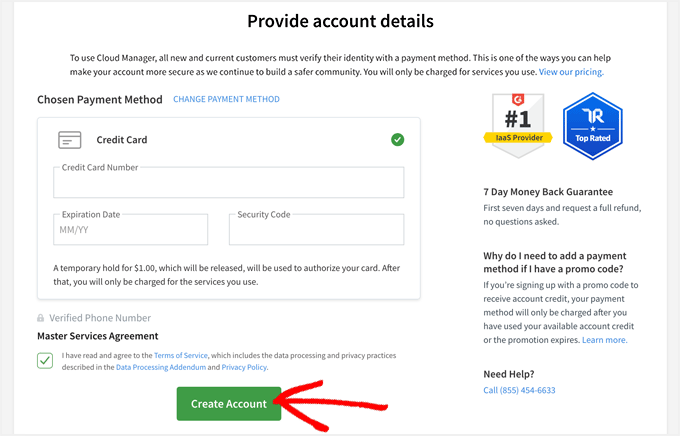
Check the services agreement option and click on the ‘Create Account’ button to successfully set up your Linode cloud hosting account.
You can use the exclusively FREE $100 credits on any Linode Cloud Hosting (Akamai Cloud Computing Services) plan. Plus, you will get a 7-day money-back guarantee for a full refund.
Hosting Coupons and Deals
Here are some other recommended hosting coupons and deals that you should check out:
| Hosting Coupon | Discounts and Promos |
|---|---|
| Bluehost Coupon | 70% OFF — EXCLUSIVE DEAL |
| Hostinger Coupon | 78% OFF — Coupon: WPBEGINNER |
| GoDaddy Coupon | 53% OFF |
| Network Solutions Coupon | 67% OFF |
| WordPress.com Coupon | 50% OFF |
We hope you found our Linode coupon code to be helpful. At WPBeginner, we work hard to negotiate exclusive discounts for our users.
Please take a look at our other WordPress coupon codes and promo codes here for some more fantastic bargains.