


Use our LowFruits coupon to get up to 30% off LowFruits, the best SEO tool for finding low-competition keywords. Just follow our instructions below to redeem the LowFruits.io coupon code and get the maximum discount.
Editor’s Note: Simply click on our LowFruits coupon link to get up to 30% off LowFruits. That’s how you get the exclusive LowFruits.io coupon deal. 🎉
First, you’ll need to click on our LowFruits.io discount link. Then, click on the Pricing link from the top navigation menu.
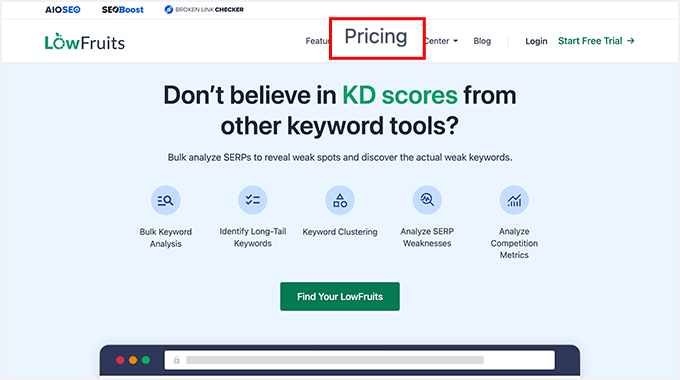
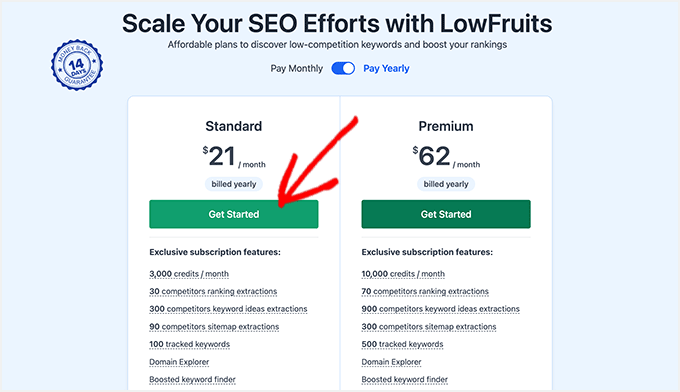
This will take you to the pricing page. LowFruits has 2 pricing plans: Standard and Premium.
We recommend the LowFruits Standard plan.
The LowFruits Standard plan has the best discount for our readers. Plus, it gives you a quick start to figuring out low-competition keywords by analyzing search engine results pages.
If you need more, you can always buy credits or upgrade to the LowFruits Premium plan.
Click on the ‘Get Started’ button to continue.
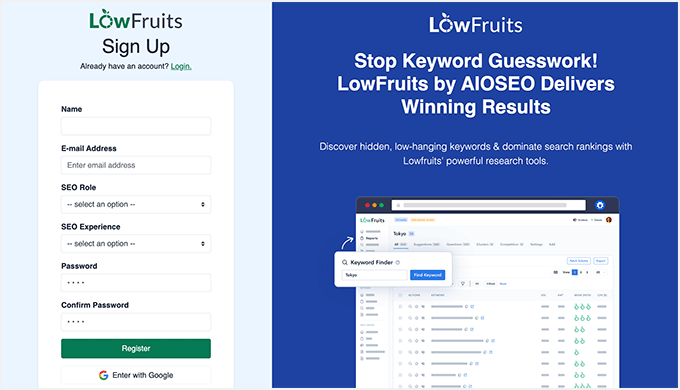
This will take you to the LowFruits account registration page.
You need to enter your personal and business details to sign up for a new account on the LowFruits.io website. Click on the ‘Register’ button to continue.
✅ REMINDER: Since you clicked on our LowFruits coupon link, the maximum 30% discount has already been applied to the LowFruits Standard plan. No LowFruits coupon needed.
Upon successful registration, you’ll see the LowFruits dashboard on your screen.
After finishing the payment process, you can start using LowFruits SEO tools, like the keyword finder, tracker, and more.
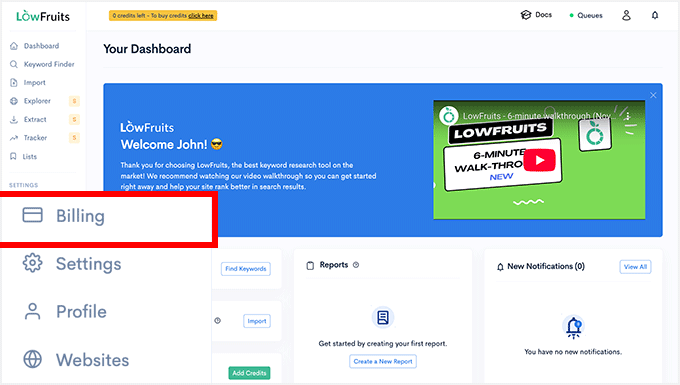
To complete the setup, you need to navigate to the billing page and enter your payment details. This will add credits to your LowFruits account, allowing you to use all their SEO tools.
Other Coupons and Deals
Check out some other recommended coupons and deals for your site:
| Plugin & Tools | Coupon Code |
|---|---|
| Weglot Coupon (Exclusive) | 15% OFF — Coupon: WPBEG19 |
| WPForms Coupon | 50% OFF |
| AIOSEO Coupon | 50% OFF |
| WP Mail SMTP Coupon | $50 OFF [EXCLUSIVE] |
| SEOBoost Coupon | 60% OFF |
We hope you found our LowFruits.io coupon code to be helpful. At WPBeginner, we work hard to negotiate exclusive discounts for our users.
Please check out other WordPress coupons and deals.


