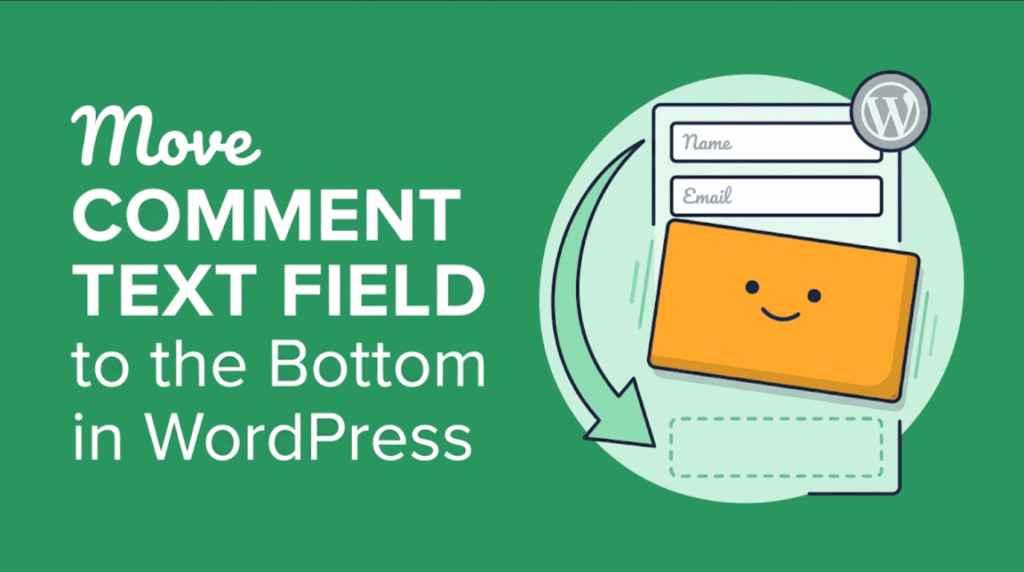
Since WordPress 4.4, the comment field has appeared above the name, email, and website fields in the default comment form. This layout lets visitors share their thoughts right away, without having to fill in their personal details first. Many website owners prefer to move the…
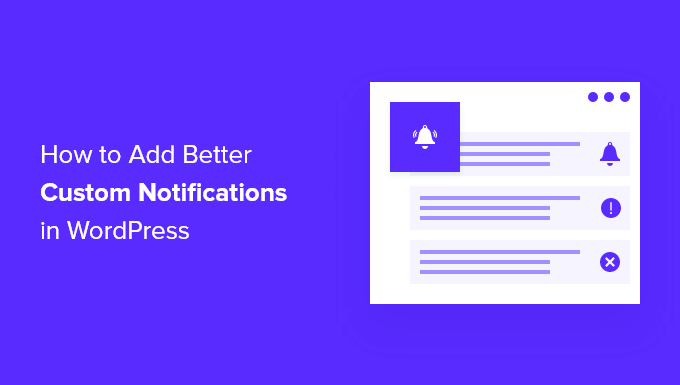
Are you drowning in WordPress notification emails? With comment alerts, new user signups, plugin updates, and form messages piling up, your inbox can spiral out of control. The problem is, important business emails can easily get buried, and you end up missing things that actually…
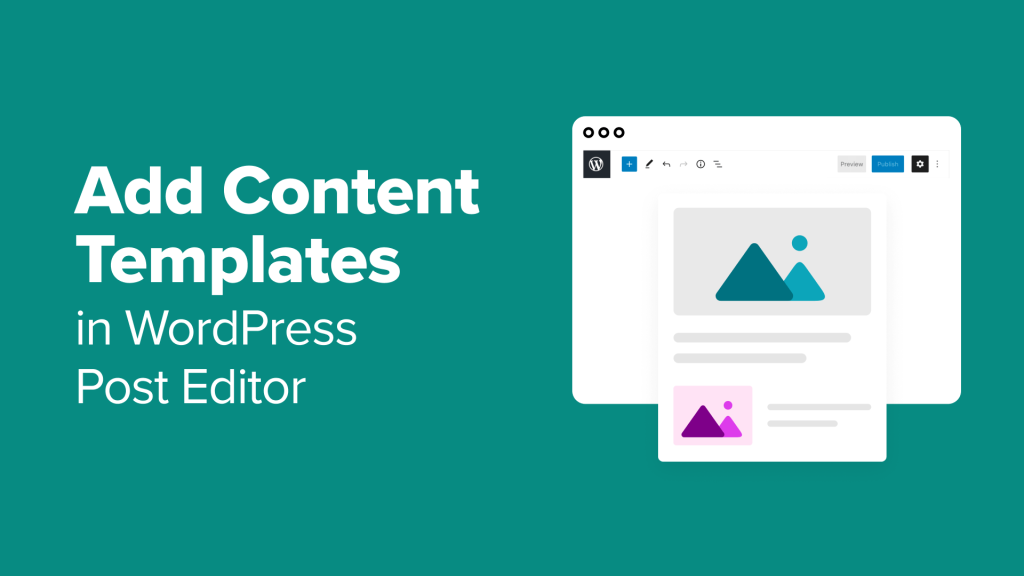
Writing blog posts should be easy, but retyping the same sections over and over makes it frustrating. Believe me, I experienced this firsthand in my early days at WPBeginner. Whether it’s introductions, call-to-actions, or FAQs, the process eats up valuable time. Using content templates in…
Some WPBeginner readers have asked us how to disable post oEmbed on their WordPress websites. By default, WordPress allows any user to embed your posts on their website using the built-in URL block. While this can help spread your content, it also means you have…
WordPress 4.4 was released just a few minutes ago. This will be the last major WordPress release of 2015 and as expected it comes with a new default theme and some other great features. In this article, we will show you what’s new in WordPress…
Have you ever visited a plugin or theme website where information like download numbers or ratings is prominently displayed? Showcasing facts such as ratings, download counts, and update dates can help users make informed choices, build trust, and even boost your installation rates. We have…
Over the years, we have experimented with different ways to make WordPress websites more interactive. If you are looking to catch your visitors’ attention, then animations can be highly effective. You can use animations to grab a visitor’s attention and highlight a page’s most important…
LiveJournal is a popular place to start an online diary and connect with a community. However, as your writing evolves, you likely feel restricted by its limited features and lack of control. At WPBeginner, we have helped thousands of bloggers successfully switch to more flexible…
Used to store interaction and conversion data for campaigns in conjunction with Revenue Attribution.
1 year
_gat_omTracker*
Set, controlled and used by Google Analytics to collect and store data and then send that data to Google Analytics. OptinMonster provides the name if there is no existing tracker found on that page.
-
omCountdown-{id}-{elementId}
Used for countdown elements {elementId} in campaigns {id} to determine when it should complete.
-
om-{id}-closed / omSlideClosed-{id}
Used specifically with slide-in campaigns {id} to determine if it has been closed or not by a visitor.
30 days
om-success-cookie / omSuccessCookie
Used to determine if a visitor has successfully opted in to any campaign on your site to unlock content when using our Content Locking feature.
365 days
om-success-{id} / omSuccess-{id}
Used to determine if a visitor has successfully opted in to a campaign with the ID of {id} on your site.
365 days
omSeen-{id}
Used to determine if a visitor has been shown a campaign by the slug.
30 days
om-{id}
Used to determine if a visitor has interacted with a campaign ID of {id} on your site.
30 days
_omappvs
Used to determine when a new visitor becomes a returning visitor.