Want to let visitors calculate pricing, get instant quotes, or estimate project costs on your WordPress site, but not sure how to add that functionality? We’ve got your back. Many website owners want to offer these tools without making their site harder to manage. The…
Do you want to learn more about how people might interact with your website? In our experience, understanding internet usage statistics really helps. Studying these trends can help you make smart choices for your marketing and website strategies. Whether you own a business, work in…
If you run a multi-author WordPress site, then you may want to know which of your authors writes the most popular posts. This information can help you increase traffic and grow your website. Over the years, we’ve helped many users set up website tracking and…
WordPress is a powerful platform that can manage a lot of web traffic. With the right tools, its capacity to handle visitors is virtually limitless. We’ve seen WordPress sites sustain billions of impressions each month. This article will discuss the traffic capacity of a WordPress…
Are you wondering whether you should use an excerpt instead of full posts in your archive pages? A summary helps provide a quick glimpse to your visitors about your content. Users can read through the short excerpt and decide if they’d like to view the…
Beautiful typography is one of the easiest ways to make your website look professional and trustworthy. Google Fonts are incredibly popular for this reason – they’re free, easy to use, and there are hundreds of gorgeous options to choose from. The challenge is that Google…
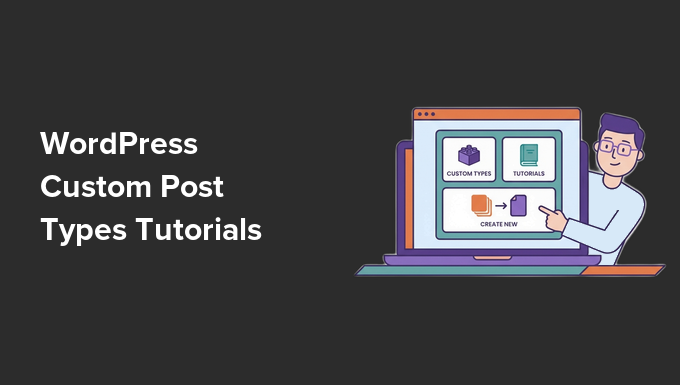
Ever felt like WordPress’s default posts and pages were a bit limiting for the type of content you want to publish? Whether you’re building a blog, portfolio, directory, or online store, it can be frustrating when your content doesn’t fit the default options. That’s where…
The CMS market is full of exciting changes, so knowing the latest trends can help you make informed choices. Whether you’re looking for a new CMS or just curious about the one you use, this report has you covered. We’ve gathered the most recent usage…
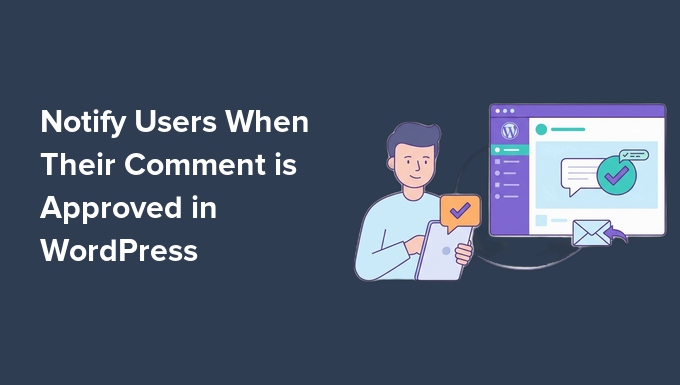
We know how exciting it is to see comments coming in after publishing a new blog post. It feels like your content is finally getting noticed. But then… nothing. The conversation just stops. It’s easy to wonder why no one’s replying or coming back to…
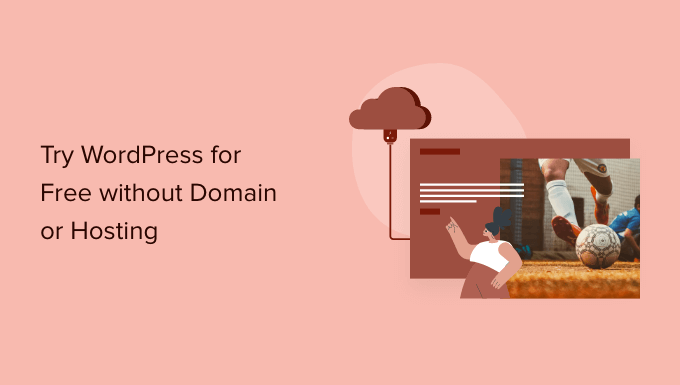
Many people want to explore WordPress before investing time and money into a full website setup, which is understandable. After all, diving into a new platform can be daunting. The good news is that you don’t need to purchase anything to start your WordPress journey.…
Used to store interaction and conversion data for campaigns in conjunction with Revenue Attribution.
1 year
_gat_omTracker*
Set, controlled and used by Google Analytics to collect and store data and then send that data to Google Analytics. OptinMonster provides the name if there is no existing tracker found on that page.
-
omCountdown-{id}-{elementId}
Used for countdown elements {elementId} in campaigns {id} to determine when it should complete.
-
om-{id}-closed / omSlideClosed-{id}
Used specifically with slide-in campaigns {id} to determine if it has been closed or not by a visitor.
30 days
om-success-cookie / omSuccessCookie
Used to determine if a visitor has successfully opted in to any campaign on your site to unlock content when using our Content Locking feature.
365 days
om-success-{id} / omSuccess-{id}
Used to determine if a visitor has successfully opted in to a campaign with the ID of {id} on your site.
365 days
omSeen-{id}
Used to determine if a visitor has been shown a campaign by the slug.
30 days
om-{id}
Used to determine if a visitor has interacted with a campaign ID of {id} on your site.
30 days
_omappvs
Used to determine when a new visitor becomes a returning visitor.