Trusted WordPress tutorials, when you need them most.
Beginner’s Guide to WordPress
WPB Cup
30 Million+
Websites using our plugins
20+
Years of WordPress experience
3000+
WordPress tutorials
by experts

Recent articles

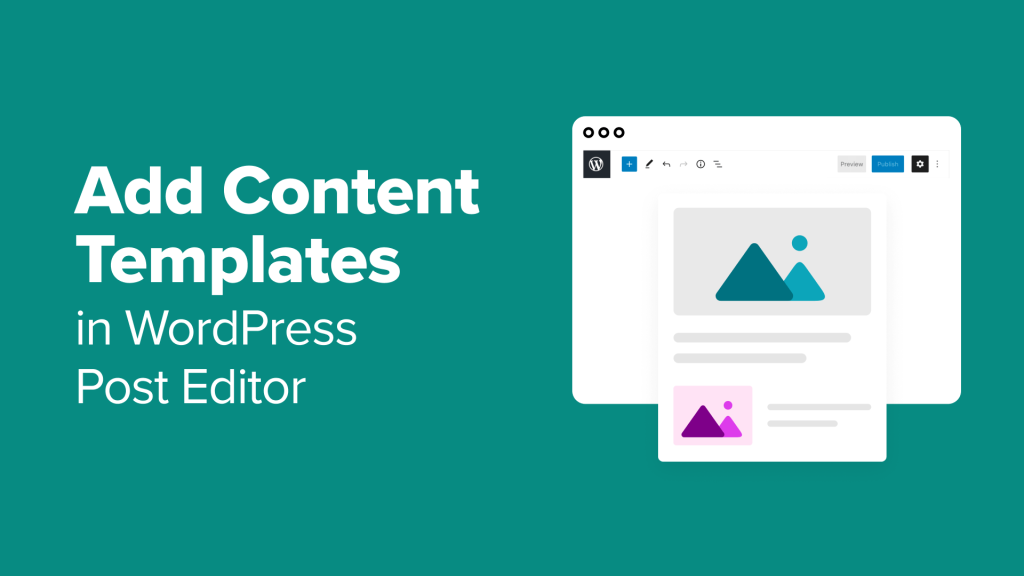
Add Content Templates in WordPress Post Editor

How to Add Content Templates in WordPress Post Editor

Writing blog posts should be easy, but retyping the same sections over and over makes it frustrating. Believe me, I experienced this firsthand in my early days at WPBeginner. Whether it’s introductions, call-to-actions, or FAQs, the process eats up valuable time. Using content templates in…
CONTINUE READING
How to disable post oEmbed on your WordPress site

How to Disable Embeds in WordPress (2 Easy Ways)

Some WPBeginner readers have asked us how to disable post oEmbed on their WordPress websites. By default, WordPress allows any user to embed your posts on their website using the built-in URL block. While this can help spread your content, it also means you have…

CONTINUE READING
Features and screenshots of the new WordPress 4.4

What’s New in WordPress 4.4

WordPress 4.4 was released just a few minutes ago. This will be the last major WordPress release of 2015 and as expected it comes with a new default theme and some other great features. In this article, we will show you what’s new in WordPress…

CONTINUE READING
Display Plugin and Theme Information in WordPress

How to Display Plugin and Theme Information in WordPress

Have you ever visited a plugin or theme website where information like download numbers or ratings is prominently displayed? Showcasing facts such as ratings, download counts, and update dates can help users make informed choices, build trust, and even boost your installation rates. We have…

CONTINUE READING
How to easily add CSS animations in WordPress

How to Easily Add CSS Animations in WordPress

Over the years, we have experimented with different ways to make WordPress websites more interactive. If you are looking to catch your visitors’ attention, then animations can be highly effective. You can use animations to grab a visitor’s attention and highlight a page’s most important…

CONTINUE READING
Auto-schedule WordPress blog posts

How to Auto-Schedule Your WordPress Blog Posts

Publishing content consistently is one of the best ways to grow your WordPress blog and keep your audience engaged. But manually hitting ‘Publish’ every time can be a hassle if you’re managing a busy content calendar. While we manually schedule all posts on WPBeginner, many…

CONTINUE READING