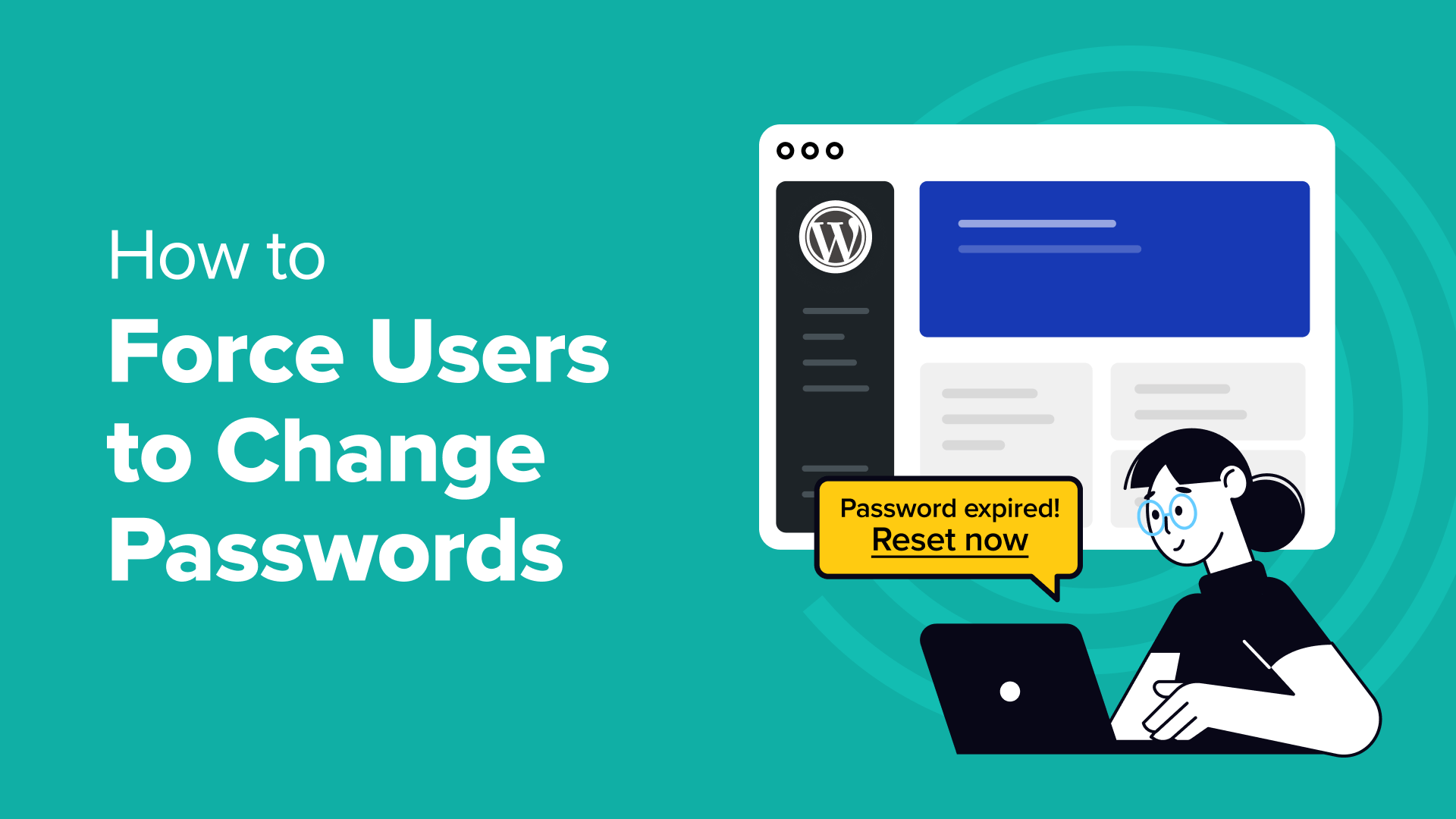
WordPress sitenizi daha güvenli hale getirmek her zaman akıllıca bir harekettir. Bunu yapmanın etkili bir yolu, kullanıcıların şifrelerini düzenli olarak değiştirmelerini gerektirmektir. Bu basit adım, bilgisayar korsanlarının içeri girmesini çok daha zorlaştırabilir. Düzenli şifre değişiklikleri verilerinizi korur…
Adınızı Google'da aratıyorsunuz ve çıkan ilk şey sizinle ilgili bir web sitesi. Başarılarınız, düşünceleriniz, vizyonunuz. Oldukça harika görünüyor, değil mi? İşte kişisel bir web sitesinin gücü budur. İnternette kendi küçük köşenize sahip olmak gibidir…
WordPress sitenizi yayına almaya hazır mısınız? Her gün binlerce yeni site web'de görünüyor. Bu yüzden web sitenizin en başından itibaren öne çıktığından ve parladığından emin olmak istersiniz. Bu makalede, kullanışlı bir kontrol listesi hazırladık…
Used to store interaction and conversion data for campaigns in conjunction with Revenue Attribution.
1 year
_gat_omTracker*
Set, controlled and used by Google Analytics to collect and store data and then send that data to Google Analytics. OptinMonster provides the name if there is no existing tracker found on that page.
-
omCountdown-{id}-{elementId}
Used for countdown elements {elementId} in campaigns {id} to determine when it should complete.
-
om-{id}-closed / omSlideClosed-{id}
Used specifically with slide-in campaigns {id} to determine if it has been closed or not by a visitor.
30 days
om-success-cookie / omSuccessCookie
Used to determine if a visitor has successfully opted in to any campaign on your site to unlock content when using our Content Locking feature.
365 days
om-success-{id} / omSuccess-{id}
Used to determine if a visitor has successfully opted in to a campaign with the ID of {id} on your site.
365 days
omSeen-{id}
Used to determine if a visitor has been shown a campaign by the slug.
30 days
om-{id}
Used to determine if a visitor has interacted with a campaign ID of {id} on your site.
30 days
_omappvs
Used to determine when a new visitor becomes a returning visitor.